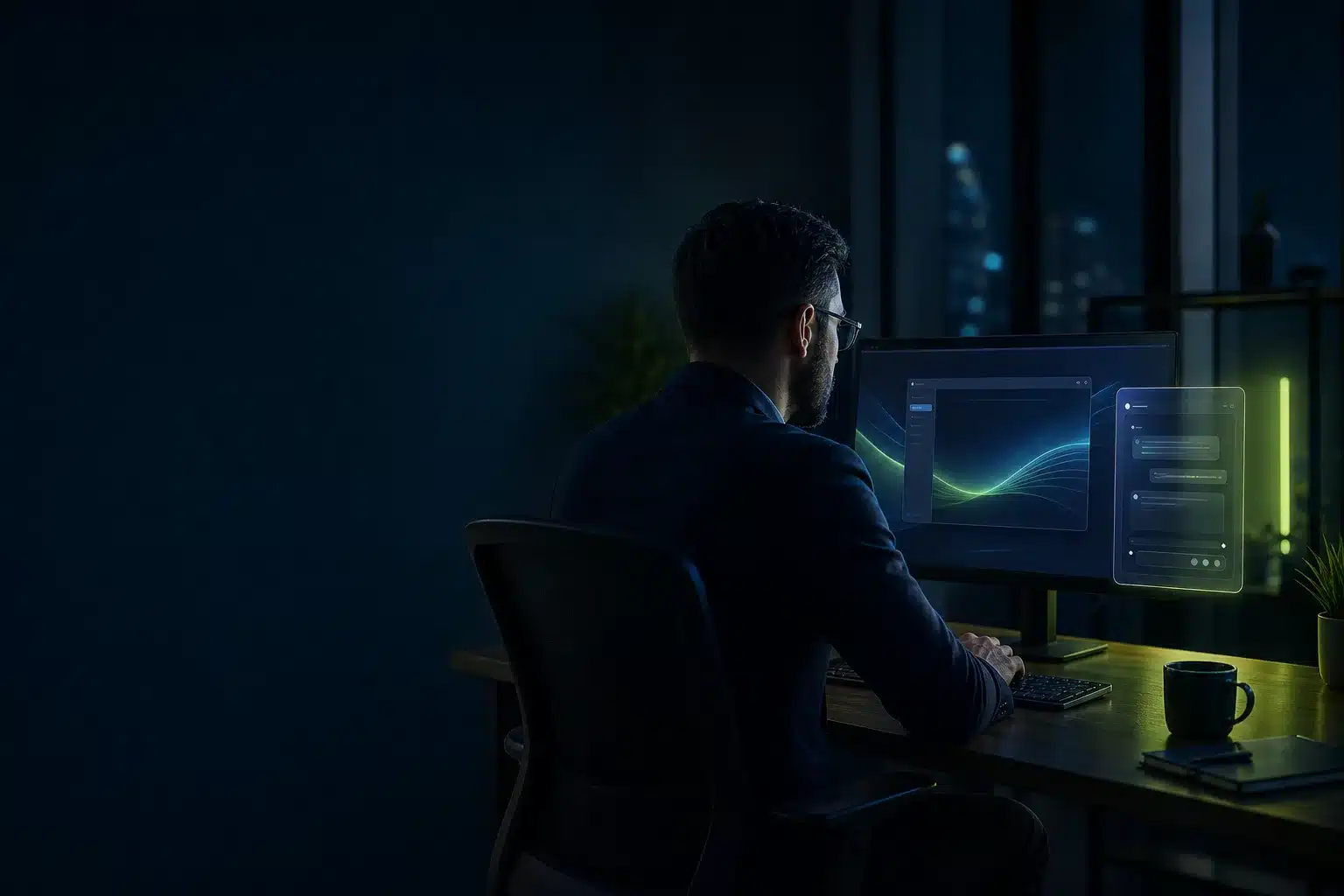
Professional working on a hosted virtual desktop with an AI assistant panel open beside it
Desktop as a Service (DaaS) on Omnissa Horizon

AI-Ready Desktop as a Service. Any Device. Anywhere.

Fully managed virtual desktops on Omnissa Horizon, run from our private cloud and ready for what Omnissa launched this fall: Horizon Agent Delegate, governed AI access and NVIDIA vGPU AI workspaces. Your people and your AI agents work in one secure desktop, with zero infrastructure burden.

99.99%
Uptime SLA
<60min
Desktop Provisioning
10+
Years VMware Expertise
$0
Ingress / Egress Fees
Core Benefits

Why Managed Desktop as a Service?

Replace the complexity of physical desktops and DIY VDI with a turnkey virtual workspace that scales with your business.

Work From Anywhere

Access a full Windows desktop from any device, laptop, tablet, thin client, or phone. Same experience, every time, everywhere.

Zero-Trust Security

Data never leaves the data center. VMware NSX micro-segmentation, endpoint isolation, and AES-256 encryption protect every session.

Instant Scalability

Spin up desktops in minutes: seasonal hires, new projects, M&A onboarding. Scale down when demand drops, pay only for what you use.

Predictable Cost

Eliminate CapEx hardware cycles. Simple per-user monthly pricing with no hidden fees: licensing, support, and updates included.

What's New from Omnissa

The AI Launches Reshaping Virtual Desktops

At Omnissa ONE 2026 (Orlando, September 29) and in the Horizon 8 2609 release (November 13), Omnissa moved the virtual desktop from a place people work to a place people and AI agents work together. Here is every launch that matters to a DaaS customer, with its real availability status, not the keynote version.

Generally availableLimited availabilityBetaAnnouncedStatus as of November 19, 2026
Limited availabilityHorizon 8 2609

Horizon Agent Delegate

An AI agent that performs multi-step tasks on a user's behalf inside their Horizon virtual desktop. Users hand it work through a chat panel in the Horizon Web Client, and it keeps working after they disconnect, under the same identity and entitlements.

How Delegate works →
BetaApp Volumes 2609

App Volumes app packaging agent

Continuously discovers application updates and builds App Volumes packages automatically, then waits for IT approval before anything reaches a desktop. Patch Tuesday packaging stops being a weekend project.

Beta waitlistNew product family

Omnissa Elara and the Omnissa AI Gateway

Omnissa's "authority layer" for AI governance. Elara discovers the AI apps, models, agents and MCP tools running across the estate, including the ones nobody registered, and the AI Gateway controls which people, apps and agents reach which models.

Shadow AI governance →
Targeted early 2027AWS first

Omnissa Cloud PC

A turnkey, Omnissa-operated cloud PC service that bundles compute, Workspace ONE UEM, digital employee experience tooling and Horizon Cloud DaaS at fixed per-desktop prices. It launches on AWS capacity, with more hyperscalers planned.

Compare delivery models →
AnnouncedOmnissa platform

Agents for IT operations

A Digital Employee Experience (DEX) agent that finds the root cause of a user's problem and recommends a fix from existing playbooks, a Workspace ONE Vulnerability Defense agent that prioritizes vulnerabilities and prepares patches for approval, and a Windows App Lifecycle agent that packages and tests apps for admin review. Every one keeps a human in the loop.

AnnouncedHosted service

Omnissa MCP Server

A hosted Model Context Protocol server that lets administrators use the agentic tool of their choice against Omnissa services. What an agent can see and do is bounded by the admin's existing role-based access, so AI never gets more reach than the person driving it.

Generally availableHorizon 8 2609

Horizon Web Client Next

The new browser client, now generally available. It is also where users reach Horizon Agent Delegate, which makes any modern browser an entry point to an AI-assisted desktop with nothing to install.

Limited availabilityHorizon 8 2609

More platform choice

Horizon 8 on Red Hat OpenShift Virtualization and the Horizon Agent for macOS on physical Macs both reached limited availability in 2609, and Horizon 8 on Google Distributed Cloud is expected to enter beta. Your desktop platform is no longer tied to one hypervisor.

Limited availability means Omnissa is enabling qualified customers with Omnissa support. IT Vortex tracks each status and turns features on for clients only when they are supported in production, or inside a scoped pilot you approve.

Horizon Agent Delegate chat panel in the Horizon client, with Desktop and Delegate tabs and the prompt What do you need done
Horizon Agent Delegate, the chat panel beside the user's virtual desktop. Screenshot: Omnissa.
Spotlight: Horizon Agent Delegate

An AI Coworker That Lives Inside the Desktop

Most AI assistants ask you to copy company data into someone else's cloud. Delegate turns that around. The agent runs inside the user's Horizon virtual machine, acts with that user's identity and permissions, and its prompts travel over the Horizon channel, so the work and the data stay inside the governed desktop your team already secures.

Delegate a task, then walk away

Describe the job in plain language: reconcile a report, fill a form across two legacy apps, pull figures into a spreadsheet. Delegate executes it while the user watches or disconnects, and repeatable tasks can be saved as Skills and scheduled.

Same guardrails as the human

Delegate inherits the user's entitlements. It cannot reach an app, share or system the user cannot, and admins switch it on per desktop pool or pool group.

Where it runs today

Horizon 8 on VMware vSphere and Omnissa Horizon Cloud on Microsoft Azure, on Windows single-session and multi-session desktops. Customers supply their own GitHub Copilot Enterprise licenses for the AI model.

Pick the pilot pool

We identify one team with repetitive, multi-app work and stand up a dedicated Horizon desktop pool for the limited availability pilot.

Scope the identity

We map exactly which apps, shares and systems that pool can reach, so the agent's blast radius is defined before day one.

License and enable

We confirm the GitHub Copilot Enterprise licensing, enable Delegate on the pool, and keep Horizon Recording and session logging on for review.

Measure, then expand

We report time saved and exceptions per task, then widen the rollout only where the numbers and your risk team agree.

Shadow AI

Your Employees Already Use AI. Most of It Is Unsanctioned.

Omnissa's State of the Digital Workspace research found AI assistant usage across enterprise endpoints grew nearly 1,000% year over year, and roughly three quarters of that activity came from tools IT never approved. Blocking AI does not work. Giving it a governed place to run does.

~1,000%
Year-over-year growth in AI assistant use on enterprise endpoints
3 in 4
AI assistant interactions that came from unsanctioned tools
0
Bytes of company data that need to leave the data center when AI runs inside the virtual desktop

Source for the first two figures: Omnissa State of the Digital Workspace report, as cited in Omnissa's September 29, 2026 announcement.

Omnissa Elara: control before consequence

Elara is a new Omnissa product family built to be the authority layer for AI across your IT stack. It connects to Workspace ONE, Horizon, and your identity, security and ITSM tools, then does four things:

  1. Discover the AI apps, models, agents and MCP tools in use, including installs outside the standard app inventory.
  2. Govern access through the Omnissa AI Gateway, which authenticates the requester, authorizes the use, applies data and prompt guardrails, meters consumption and routes each request to an approved model.
  3. Check before change: one policy model for people, automations and agents, testing conflicts, freezes, dependencies and approvals before a consequential action runs.
  4. Prove it with a recorded, replayable trail of every decision for auditors and cyber insurers.

Elara is in beta with a waitlist today. IT Vortex is evaluating it for client environments and will tell you plainly when it is ready for production.

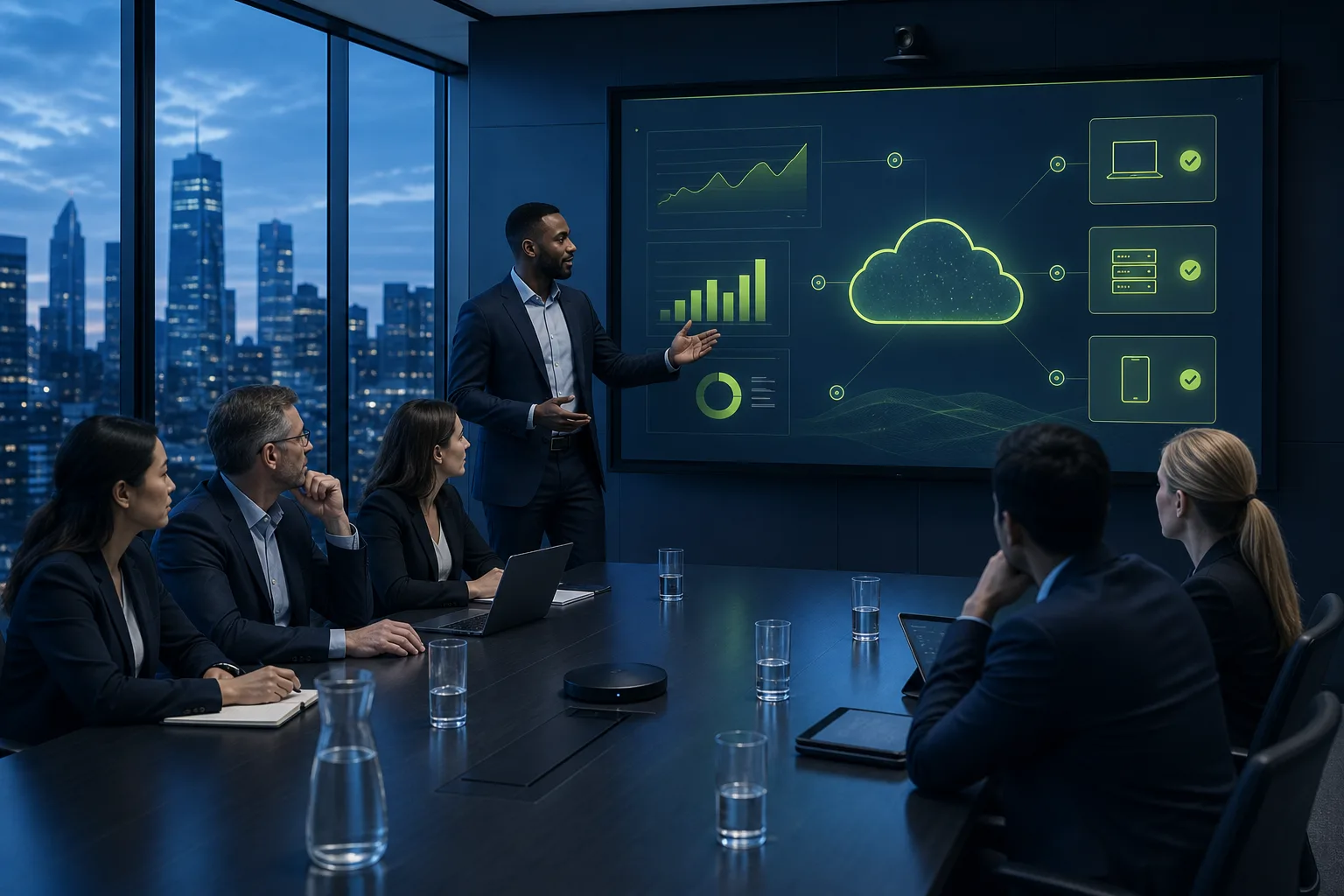
IT security team reviewing a wall display that maps people, devices, apps and AI agents, with unsanctioned AI highlighted

Data stays in the data center

Prompts, files and outputs live inside the hosted desktop. Nothing is cached on a laptop that can be lost or stolen.

Clipboard rules enforced at the client

Horizon 8 2609 enforces clipboard restrictions on the client as well as the agent, closing the copy-and-paste path into a personal chatbot.

Screen-capture allow and block lists

New in 2609: per-app screen-capture controls on Windows and Mac clients, by user or machine, so sensitive apps cannot be scraped by an AI screen tool.

Sessions you can replay

Horizon Recording, now with separately configurable ports for agent and browser traffic, gives you evidence of what a human or an agent did in a session.

GPU server racks in a private cloud data center with a holographic BIM building model being analyzed
AI Workspaces on NVIDIA vGPU

GPU Desktops Built for AI Work, Not Just CAD

Omnissa Horizon with NVIDIA vGPU gives every power user a slice of a data center GPU, isolated from every other VM and governed by Horizon policy. The same platform that runs Revit and SolidWorks now runs AI development, local inference on fine-tuned small and large language models, and agents that need a screen to work on.

  • Blast uses NVIDIA hardware encoders for H.264, HEVC and AV1, cutting latency for 3D and video.
  • Horizon 2603 added Visually Lossless (vGPU) and Forced Lossless Blast modes for color-critical design and imaging work.
  • Models and training data stay in the private cloud, never on the endpoint.
01

AI developer workspaces

On-demand, GPU-accelerated desktops with elastic compute tiers, so a data science team gets a governed sandbox in hours instead of a hardware purchase order.

02

Automating legacy GUI apps

AI agents operate thick-client applications that have no API, inside a Horizon session, under the same controls as a human operator.

03

Human-in-the-loop review

A supervisor can join a live agent session to check its work before anything is committed, which is how regulated firms adopt agents safely.

04

Visual AI on rendered models

Vision models run against GPU-rendered content, such as clash checks on BIM models for architecture, engineering and construction firms.

Running CAD today? Read how we deliver GPU virtual desktops for design teams.

Horizon Release Radar

Three Horizon Releases in 2026

Omnissa now ships Horizon on a fast feature track plus a yearly Extended Service Branch (ESB) for stability. Picking the right track, and upgrading without breaking provisioning, is exactly the work we take off your plate.

2603Extended Service Branch
  • Blast Visually Lossless (vGPU) and Forced Lossless modes, EDID passthrough
  • Unified system tray for session controls
  • Anti-keylogging on Windows on Arm, FIDO2 on WebAuthn API version 9, smart card over TLS 1.3
  • Entra ID joined desktop SSO in Horizon Cloud
  • One-click OS Optimization Tool deployment

Watch out: on Nutanix automated pools and farms, Connection Servers and Agents must both move to 2603 for provisioning to keep working.

2606Feature release
  • Blast becomes the only client protocol; PCoIP is an optional agent install
  • Microsoft Teams VDI 2.0 (new SlimCore) generally available
  • Wayland preview for Linux virtual desktops
  • WebAuthn redirection for UWP apps, including the new Outlook
  • Bundled OpenSSL moves to 3.5

Watch out: any user or thin client still forced to PCoIP needs a Blast plan before this upgrade.

2609Feature release
  • Horizon Agent Delegate (limited availability)
  • Horizon Web Client Next generally available
  • Client-side clipboard enforcement and per-app screen-capture lists
  • Blast Extreme Adaptive Transport sizes UDP datagrams automatically, up to 1,500 bytes
  • Windows Server 2025 and Windows 11 26H1 on Arm support

Watch out: Client Classic and Client Next now install side by side as a choice, so pick one per user group.

How IT Vortex runs Horizon upgrades

Every release lands first in our lab, then in a staging pool that mirrors your golden images, App Volumes packages and Dynamic Environment Manager profiles. Clients who value stability stay on the ESB; clients who want AI features first move to the feature track. Either way, you get a dated plan, a rollback point and a pilot group before a single production user is touched.

Delivery Models

Which Omnissa Desktop Model Fits Your Business?

Omnissa now spans on-premises VDI, hybrid DaaS and, soon, cloud PCs. That is more choice, and more ways to get it wrong. We help you pick, and we run whichever one you choose.

 IT Vortex managed DaaSHorizon 8 in your data centerHorizon Cloud on AzureOmnissa Cloud PC
Where desktops runIT Vortex private cloud, US data centersYour servers and storageYour Microsoft Azure subscriptionOmnissa-operated, AWS capacity first
Who operates itIT Vortex, end to end, 24/7Your team, or IT Vortex as managed serviceShared: Omnissa control plane, you run AzureOmnissa, managed through Workspace ONE UEM
Horizon Agent DelegatePilot-ready on Horizon 8 on vSphere, as Omnissa enables itSupported on vSphere (limited availability)Supported (limited availability)Not yet stated by Omnissa
GPU for AI and CADNVIDIA vGPU profiles sized per userYou buy and refresh the GPUsAzure GPU instance pricingvGPU on larger desktop tiers
PricingPer user per month, no ingress or egress feesCapex plus licensing and staffLicensing plus metered Azure consumptionFixed price per desktop, capacity bundled
AvailabilityAvailable nowAvailable nowAvailable nowTargeted for early 2027
Best fitCompliance-driven firms that want one accountable team and predictable costOrganizations with existing hardware and in-house EUC staffAzure-committed organizations with cloud spend to burn downTeams that want simple Windows desktops on public cloud

Your AI-ready workspace in 90 days

Days 1 to 15: Discover

Inventory users, apps and GPU needs, and surface the shadow AI already running on your endpoints.

Days 15 to 45: Build

Stand up Horizon pools, golden images, App Volumes packages and the data guardrails AI will run inside.

Days 45 to 75: Pilot

Move a pilot group, including a scoped Horizon Agent Delegate pool where it fits, and measure the results.

Days 75 to 90: Scale

Roll out by department, hand you the audit evidence, and set the upgrade cadence for the year ahead.

Sources and status notes
  • Omnissa press release, "Omnissa announces AI innovations that help IT shift to an increasingly autonomous workspace," September 29, 2026 (omnissa.com newsroom).
  • Omnissa blog, "Delivering AI-ready workspaces with Omnissa Horizon," September 29, 2026.
  • Omnissa blog, "Horizon 8 2609: Simpler admin, security and more choices," November 13, 2026.
  • Omnissa blogs, "Horizon 8 2606" (September 4, 2026) and "Omnissa Horizon 2603: What's new" (June 9, 2026).
  • Omnissa Elara product page and "Introducing Omnissa Elara," September 29, 2026.
  • Omnissa blog, "Introducing Omnissa Cloud PC," September 29, 2026.
  • Omnissa blog, "4 AI use cases for Omnissa Horizon with NVIDIA vGPU," July 23, 2026, and omnissa.com/nvidia.
  • Product names are trademarks of their owners. Availability reflects Omnissa's published status on November 19, 2026 and can change.
Any Device

One Desktop, Every Endpoint

Your team works from laptops, tablets, phones, and thin clients. Omnissa Horizon delivers the same high-fidelity desktop experience on all of them.

Laptop
Tablet
Smartphone
Thin Client

Laptop & Desktop

Full-featured Horizon Client or HTML5 browser access delivers pixel-perfect desktops with Blast Extreme protocol optimization.

  • Native client for Windows, macOS, and Linux
  • Blast Extreme adaptive compression for any network
  • Multi-monitor support up to 4K resolution
  • USB redirection and local printer mapping
The Difference

Physical Desktops vs. IT Vortex DaaS

Flip the switch to see how managed virtual desktops transform your IT operations.

PHYSICAL DESKTOPS

Traditional IT Burden

3-5 yrs
Hardware Lifecycle
$1,400+
Per PC Annually
✕Hardware procurement, imaging, and deployment delays
✕Data at risk on stolen or lost laptops
✕Inconsistent user experience across devices
✕Patch management across hundreds of endpoints
✕No remote work capability without VPN complexity

Tap the toggle to compare

IT Vortex team
Your Partner

White Glove Virtual Desktop Delivery

Turnkey Migration

We handle everything: assessment, design, data migration, user onboarding, and training. Go live without disrupting your business.

Omnissa App Volumes & DEM

Applications are layered and delivered separately from the OS image, simplifying updates, reducing image sprawl, and personalizing user settings automatically.

Self-Service Portal

Monitor your environment, provision new desktops, and manage user assignments through VMware Cloud Director, on your schedule.

Under the Hood

The Technology Behind Your Desktop

Click each tab to explore the enterprise-grade technologies that power IT Vortex DaaS, without the complexity of managing them yourself.

Blast Extreme
Instant Clones
App Volumes
Dynamic Environment Manager
Zero-Trust Security
H.265
HEVC + AV1 Codecs
AES-256
Encryption
4K+
Multi-Monitor
TCP/UDP
Adaptive Transport
Display Protocol

Blast Extreme

Omnissa's purpose-built display protocol delivers workstation-class performance over any network, from high-bandwidth LAN to metered cellular connections. Unlike legacy RDP, Blast Extreme only repaints changed pixels, delivering smooth 3D rendering and video without refreshing the entire screen.

  • Adaptive transport switches between TCP and UDP based on real-time network conditions
  • GPU offloading with H.264, HEVC, and AV1 encoding for 50% better performance over CPU-only VDI
  • Optimized for Microsoft Teams, Zoom, and Webex with media offload to the local endpoint
  • Supports multi-monitor configurations at up to 4K resolution
  • Built-in AES-256 encryption with FIPS mode support, no VPN required
<2s
Clone Creation
Fresh
Every Logon
~70%
Storage Savings
Zero
Persistent Malware
Desktop Provisioning

Instant Clone Technology

Instant Clones create a fresh virtual desktop for every user logon in under two seconds using VMware's fork-and-copy memory technology. When a user logs off, the desktop is destroyed and rebuilt from a pristine golden image, eliminating configuration drift, persistent malware, and the need for traditional desktop maintenance.

  • Desktops are forked from a running parent VM in memory, no full disk copy required
  • User profiles, files, and settings persist through Dynamic Environment Manager
  • Dramatically reduces storage consumption through shared base image technology
  • Every session starts from a known-good state, ransomware and malware cannot persist
  • Automated pool sizing scales desktops up or down based on demand schedules
1:N
Package Once, Deploy Many
MSIX
+ Legacy App Support
~80%
Fewer OS Images
On-Demand
App Delivery
Application Delivery

App Volumes

App Volumes separates applications from the operating system entirely, delivering them as virtual disks that attach at logon or on-demand. This eliminates the need to maintain dozens of OS images for different application combinations and makes application updates a single operation across your entire fleet.

  • Package an application once and deliver it to thousands of desktops without re-imaging
  • Supports MSIX, ThinApp, and legacy application formats side by side
  • Apps on Demand delivers applications only when a user launches them, reducing login times
  • Application updates are published once and take effect at next logon, no per-desktop patching
  • Reduces golden image count by up to 80%, dramatically simplifying management
Contextual
Policy Engine
Profiles
Persist Across Clones
GPO
Replacement
<10s
Profile Load Time
User Personalization

Dynamic Environment Manager

DEM captures and restores user-specific settings, from Outlook signatures to application preferences, ensuring every Instant Clone desktop feels like the user's own machine. Settings are applied contextually based on device type, location, network, and time of day.

  • User profiles load in under 10 seconds regardless of roaming complexity
  • Conditional settings apply different configurations based on context (office vs. home, laptop vs. thin client)
  • Replaces complex Group Policy with a visual, auditable management interface
  • Personalization persists seamlessly across Instant Clone refresh cycles
  • Pre-built templates for 100+ common enterprise applications accelerate deployment
NSX
Micro-Segmentation
MFA
+ Smart Card SSO
UAG
Secure Edge Gateway
SAML
Identity Federation
Enterprise Security

Zero-Trust Architecture

IT Vortex DaaS enforces zero-trust from day one. VMware NSX micro-segmentation isolates every virtual desktop at the network level, while Unified Access Gateway provides secure external access without a VPN. Multi-factor authentication, conditional access policies, and encrypted sessions ensure only authorized users reach corporate resources.

  • Unified Access Gateway (UAG) brokers all external connections, no VPN tunnels to manage
  • NSX micro-segmentation enforces east-west traffic policies between every virtual desktop
  • SAML, smart card, and RADIUS-based multi-factor authentication supported natively
  • Conditional access policies evaluate device, location, and posture before granting entry
  • Common Criteria certified (NIAP) with FIPS-validated encryption
Our Process

From Assessment to Go-Live

A structured deployment ensures your virtual desktops are production-ready with zero disruption.

Discover & Plan

Assess your current environment, identify user personas, application requirements, and performance needs to build the optimal DaaS architecture.

Design & Build

Configure Omnissa Horizon, create golden images with App Volumes, set up user profiles with DEM, and establish NSX security policies.

Migrate & Test

Migrate user data and applications. Run pilot groups for validation, performance tuning, and user acceptance before full rollout.

Launch & Optimize

Full production deployment with user training, 24/7 monitoring, and continuous optimization as your workforce and applications evolve.

Use Cases

Solve Your Toughest Workspace Challenges

Click any card to explore how IT Vortex DaaS addresses your specific scenario.

Hybrid & Remote Workforce

Enable secure, high-performance work from anywhere

Explore

Deliver a consistent desktop experience whether employees are in the office, at home, or on the road. Blast Extreme adapts to any network condition, and Unified Access Gateway eliminates VPN complexity.

  • Same desktop experience from any location or device
  • No VPN required: UAG handles secure access natively
  • Unified collaboration with Teams/Zoom media offload
  • IT retains full visibility and policy enforcement remotely

Seasonal & Contract Workers

Scale up instantly, scale down when done

Explore

Provision fully configured desktops for temporary staff in under an hour, with controlled access to only the applications and data they need. When the engagement ends, decommission in one click, no hardware to collect.

  • Provision 100+ desktops in minutes for seasonal peaks
  • Role-based access controls limit data exposure automatically
  • Zero hardware to ship, collect, or wipe at end of engagement
  • Pay only for active users: scale down instantly when demand drops

GPU Workloads (CAD / 3D)

Workstation-class performance in the cloud

Explore

vGPU-enabled virtual desktops with dedicated NVIDIA GPU resources deliver AutoCAD, Revit, SolidWorks, and 3D modeling at full speed, even from a thin client or tablet. No more $5,000 workstations at every desk.

  • NVIDIA vGPU with H.264/HEVC/AV1 GPU-accelerated encoding
  • Up to 50% better performance over CPU-only VDI configurations
  • Blast Extreme repaints only changed pixels for smooth 3D interaction
  • AEC, manufacturing, and healthcare imaging workflows fully supported

Compliance & Regulated Industries

Meet HIPAA, SOX, and cyber insurance mandates

Explore

Centralized data storage, encrypted sessions, micro-segmented networks, and auditable access logs satisfy the strictest compliance frameworks. No sensitive data ever resides on an endpoint device.

  • HIPAA, SOX, PCI-DSS, and CMMC alignment built in
  • Data never leaves the data center, zero endpoint data risk
  • NSX micro-segmentation isolates workloads for forensic readiness
  • Automated audit trails and compliance reporting included

BYOD Enablement

Any device, zero compromise

Explore

Let employees use their own laptops, tablets, and phones without compromising security. Corporate data stays in the data center while users access a full Windows desktop from their personal device via browser or client.

  • HTML5 browser access: no software installation required on personal devices
  • Corporate and personal data remain completely separated
  • IT manages the desktop, not the device: no MDM conflicts
  • Supports Windows, macOS, iOS, Android, ChromeOS, and Linux

M&A & Business Continuity

Rapid onboarding and disaster recovery

Explore

Onboard acquired employees in hours instead of months. DaaS provides an immediate, uniform workspace during mergers and acquisitions, and serves as a built-in business continuity layer if primary office access is disrupted.

  • Onboard acquired staff in hours with pre-configured desktops
  • Uniform workspace bridges different IT environments during integration
  • Built-in DR path: desktops are already running in the data center
  • Cloud migration already in progress when you're ready to consolidate
Architecture

How IT Vortex DaaS Works

Click any component to explore how it fits into the architecture. Every piece is fully managed by IT Vortex.

YOUR USERS
User Devices

Any endpoint, any OS

i
Horizon Client

Blast Extreme protocol

i
Unified Access Gateway

Secure edge appliance

i
NSX Micro-Segmentation

Zero-trust networking

i
IT VORTEX MANAGED PLATFORM
Horizon Control Plane

Centralized management

i
Instant Clones

Fresh desktops per logon

i
App Volumes

Layered app delivery

i
Dynamic Env Manager

User personalization

i
Omnissa Intelligence

Analytics & insights

i
Compare

How Does IT Vortex DaaS Stack Up?

See how our managed approach compares to physical desktops and self-managed VDI.

CapabilityPhysical DesktopsDIY / In-House VDIIT Vortex DaaS
New User ProvisioningDays to WeeksHours✓ Under 60 min
Remote AccessVPN requiredVPN + gateway✓ Secure, VPN-free
Data SecurityOn endpointIn data center✓ Zero-trust, encrypted
Device FlexibilityWindows PCs onlyLimited clients✓ Any device, any OS
Scaling Up / DownHardware procurementCapacity planning✓ Instant, on-demand
OS & App PatchingPer-device effortImage management✓ Centralized, automated
Hardware Lifecycle3 to 5 yr replacementsServer + storage refresh✓ Fully managed
Infection ContainmentSpreads laterallyDepends on config✓ Instant Clone resets
Staff RequiredDesktop support teamVDI admin + infra team✓ Zero internal staff
Free Guide

The Modern Workplace Playbook: From Physical Desktops to DaaS

Physical desktops are expensive, difficult to secure, and impossible to scale. This guide walks you through the five key steps to migrating your workforce to managed virtual desktops, without disruption, without rip-and-replace, and without overloading your IT team.

Download the Modern Workplace Playbook
IT Vortex
The Modern Workplace Playbook
5 steps to move from physical desktops to fully managed DaaS without disruption.
Interactive Tool

How Much Could DaaS Save You?

Compare the total cost of physical desktops against managed DaaS to see your potential savings.

DaaS Cost Savings Calculator

Estimate your annual savings by switching from physical desktops to managed DaaS.

$0
Estimated Annual Savings with DaaS
$0
Annual Physical Desktop Cost
$0
Annual DaaS Cost
0%
Cost Reduction
Beyond cost savings: DaaS eliminates hardware procurement cycles, reduces your IT support burden by up to 60%, and gives every employee a secure, high-performance desktop from any device. The productivity gains and security improvements compound the financial savings shown above.

Want a custom DaaS proposal based on these numbers? Leave your details:

Self-Assessment

Is Your Organization Ready for DaaS?

Answer 6 quick questions to assess your readiness for a managed virtual desktop environment.

0 of 6

1. How do your employees currently access their desktops?

Physical PCs only, in-office
Physical PCs + VPN for remote
Mix of VDI and physical PCs
Already using some form of DaaS/VDI

2. How many endpoints does your IT team currently manage?

100+
50-99
20-49
Under 20

3. Do you have remote or hybrid employees?

Yes, majority remote
Yes, hybrid model
A few remote workers
100% in-office

4. Where is your PC fleet in its hardware lifecycle?

Due for refresh now
Refreshing within 12 months
Recently refreshed (1 to 2 years)
Brand new fleet

5. How important is BYOD (Bring Your Own Device) to your organization?

Critical: actively pursuing
Important: exploring options
Nice to have
Not a priority

6. Do you have compliance or security requirements for desktop environments?

Yes, strict (HIPAA, SOX, etc.)
Yes, moderate requirements
Informal policies
No specific requirements
Why IT Vortex

Standard Features, No Extra Cost

White Glove Migration & Dedicated PM

Hands-on engineering from assessment through go-live, your users log on to a fully configured desktop.

Instant Clones & Fresh Desktops

Every logon delivers a clean, optimized desktop. Malware and configuration drift are eliminated automatically.

No Ingress or Egress Fees

Move data freely with zero transfer charges: migration, daily use, and failover.

vGPU for Power Users

AutoCAD, Revit, and 3D applications run at full speed with dedicated GPU resources in the cloud.

Premier Broadcom VCSP Partner

10+ years managing mission-critical VMware workloads with certified Omnissa Horizon expertise.

Built-in Backup & DR

Every virtual desktop is backed up nightly in the data center with optional DRaaS integration for full business continuity.

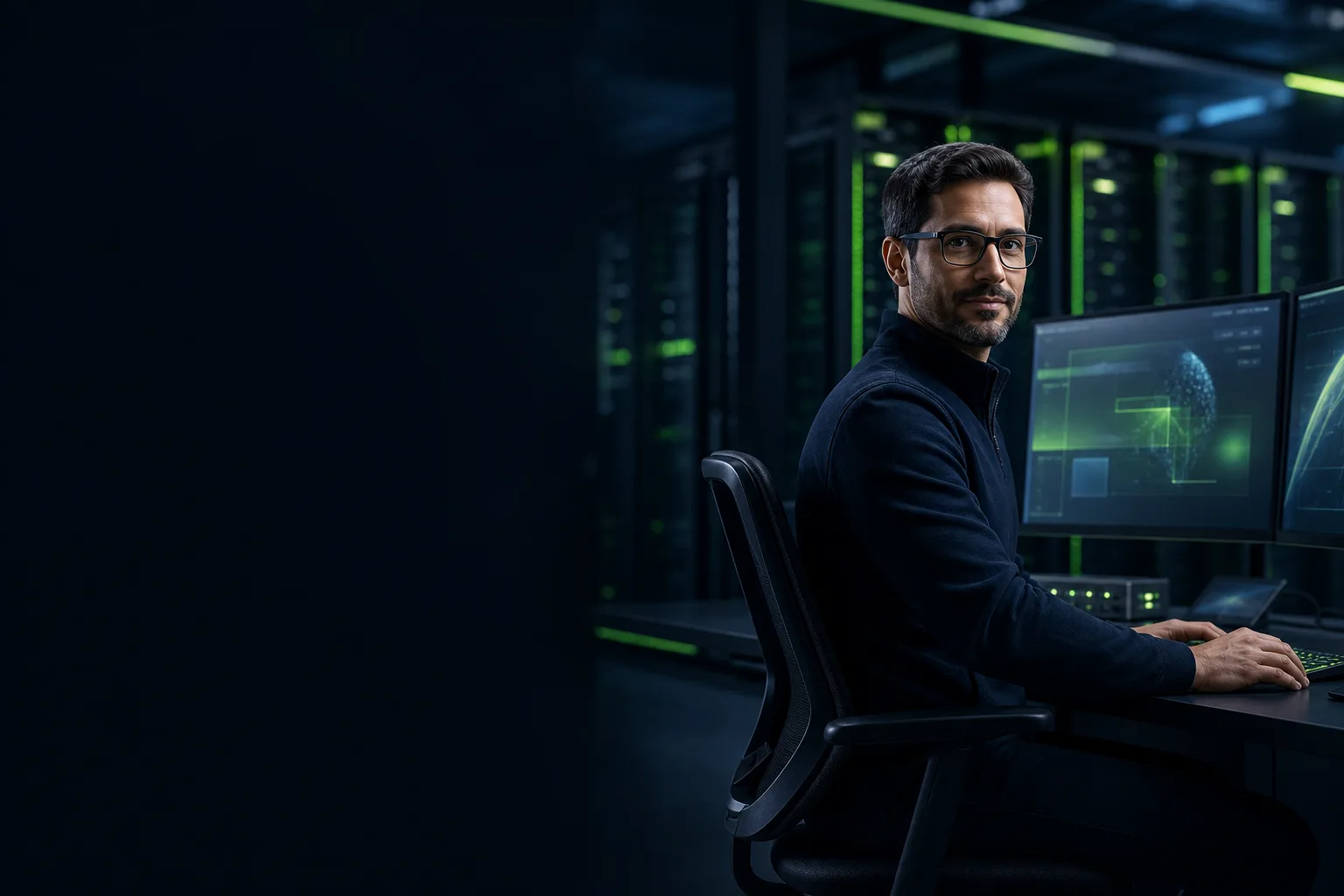
IT Vortex engineer managing virtual desktops at a workstation in a data center
FAQ

Frequently Asked Questions

Does IT Vortex DaaS support Omnissa's new AI features?
+

Yes. IT Vortex DaaS runs on Omnissa Horizon, and we track every release. Horizon Agent Delegate reached limited availability in Horizon 8 2609, so we offer it as a scoped pilot on a dedicated desktop pool. The App Volumes app packaging agent and Omnissa Elara are in beta, and we enable them for clients once they are supported in production.

What is Horizon Agent Delegate?
+

Horizon Agent Delegate is an Omnissa AI agent that performs multi-step tasks on a user's behalf inside their Horizon virtual desktop. Users assign tasks through a chat panel in the Horizon Web Client, and the agent keeps working after they disconnect, with the same identity and permissions. It supports Horizon 8 on vSphere and Horizon Cloud on Azure, and customers supply their own GitHub Copilot Enterprise licenses.

How do virtual desktops help control shadow AI?
+

When AI tools run inside a hosted virtual desktop, company data never has to leave the data center. Horizon 8 2609 adds client-side clipboard enforcement and per-app screen-capture allow and block lists, Horizon Recording keeps evidence of each session, and Omnissa Elara (in beta) discovers unsanctioned AI apps, models and agents and governs which models people and agents can reach.

How does IT Vortex DaaS compare with Omnissa Cloud PC?
+

Omnissa Cloud PC is an Omnissa-operated service targeted for early 2027 that launches on AWS capacity, is managed through Workspace ONE UEM and is priced per desktop. IT Vortex DaaS is available now, runs in our private cloud with no ingress or egress fees, includes NVIDIA vGPU for power users, and is operated end to end by one accountable team. We advise on both and can run either.

What is Desktop as a Service (DaaS)?
+

DaaS delivers fully managed virtual desktops from IT Vortex's private cloud to any device your employees use. We handle all infrastructure, licensing, security, and updates, your team simply logs in and works.

What devices can access my virtual desktop?
+

Windows PCs, Macs, Linux machines, Chromebooks, iPads, Android tablets, smartphones, and thin/zero clients. Access is available via the native Omnissa Horizon Client or any HTML5 web browser.

How does DaaS improve security?
+

All data stays in the data center, nothing is stored on the endpoint. VMware NSX provides zero-trust micro-segmentation, Instant Clones reset every logon to eliminate persistent malware, and AES-256 encryption protects data in transit.

Can I run GPU-intensive applications like AutoCAD?
+

Yes. IT Vortex offers vGPU-enabled virtual desktops with dedicated NVIDIA GPU resources. Combined with Blast Extreme protocol optimization, 3D modeling and design applications run smoothly even over standard internet connections.

How fast can new users be provisioned?
+

New virtual desktops can be provisioned in under 60 minutes. For seasonal scaling or onboarding events, we can deploy large batches of pre-configured desktops same-day.

What happens if a user's device is lost or stolen?
+

Since no corporate data resides on the endpoint, a lost or stolen device presents zero data risk. The user simply logs in from another device and picks up where they left off. IT can immediately disable the lost device's access.

Are there any data transfer fees?
+

No. IT Vortex charges zero ingress or egress fees. Data migration, daily operations, and any failover events have no hidden transfer costs.

How long does a full DaaS deployment take?
+

Most deployments are production-ready within 2 to 4 weeks depending on environment complexity. A dedicated project manager keeps the timeline on track with milestone checkpoints throughout.

Get Started

Request a DaaS Consultation

One conversation to assess your environment, define your workspace strategy, and scope a fully managed solution.

Tell Us About Your Workspace Needs

We will respond within one business day with a custom proposal.